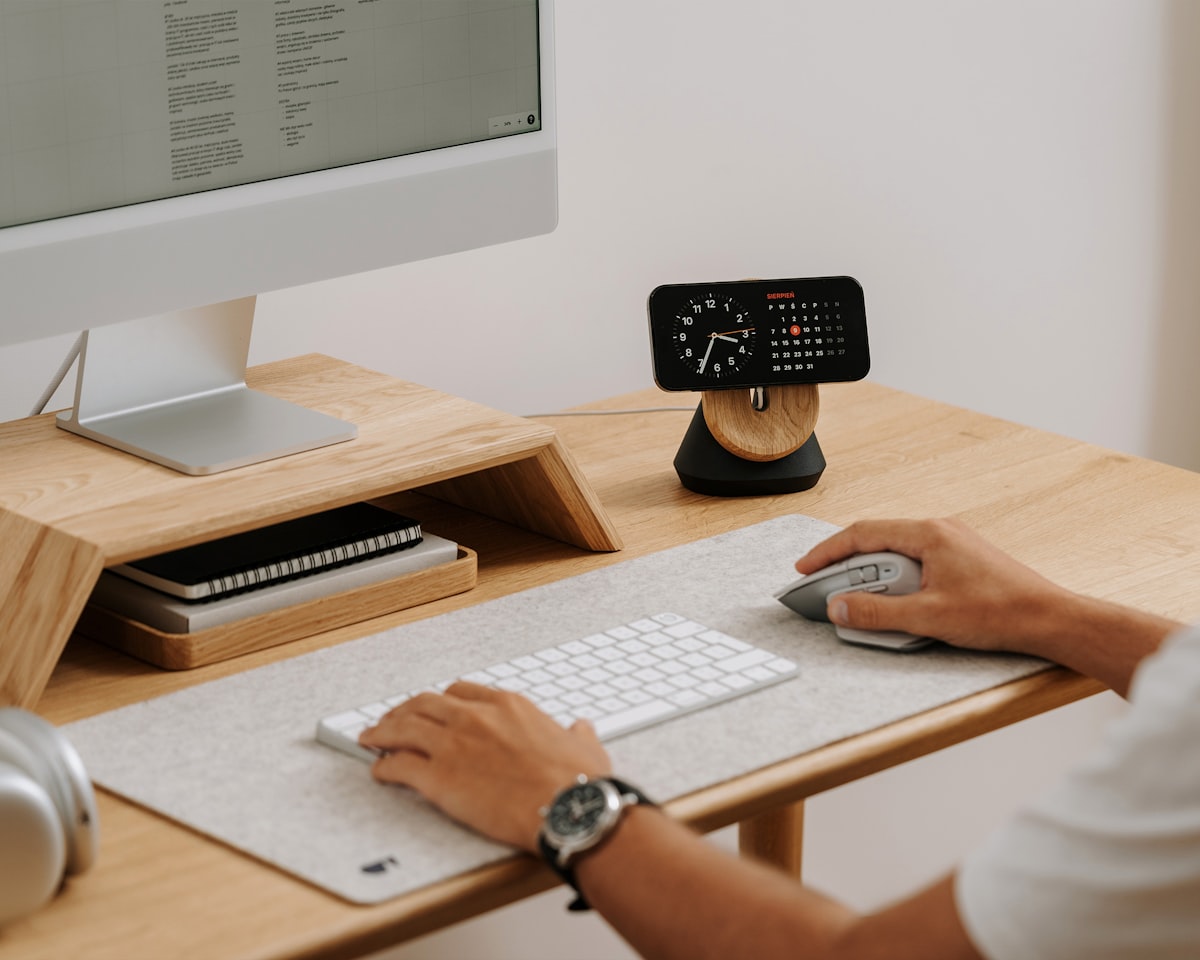
What is the best mouse for left-handed users? The best options for lefties are either truly symmetrical ambidextrous mice or dedicated left-handed models. Top picks include the Logitech G Pro X Superlight 2, Razer Viper V3 Pro, and Evoluent VerticalMouse Left Hand.
Most computer mice are sculpted for right-hand use, with thumb buttons on the left side and a contoured shape that fits only the right palm. Left-handed users are left choosing between ambidextrous models, rare true left-handed designs, or simply using a right-handed mouse with their non-dominant hand — a compromise that causes fatigue and reduces precision.
This guide covers the best mice available for left-handed users in 2026, organized by use case and grip style, with advice on what to look for when buying.
Why most mice don't work for left-handed users
The computer mouse market is overwhelmingly right-hand-oriented. Estimates suggest fewer than five percent of commercially available mice are designed with left-handed users in mind. The problems lefties face with right-handed mice are concrete:
- Thumb buttons are on the wrong side. Side buttons are positioned for the right thumb — using them with the left hand requires awkward repositioning or going without.
- The shape is mirrored. Right-handed ergonomic mice have a raised thumb groove and a tapered right side. Using them in the left hand reverses the intended grip entirely.
- Scroll wheel placement can create asymmetric strain. Extended left-hand use of a right-hand mouse tilts the wrist in an unnatural direction, contributing to repetitive strain injury.
The solution is either a symmetrical mouse that works equally in both hands, a dedicated left-handed model, or a vertical mouse with a left-handed variant — all covered below.
Types of mice for left-handed users
Truly symmetrical ambidextrous mice
A symmetrical mouse has the same profile on both sides with no thumb groove, no right-side bulge, and buttons that can be reassigned in software. These are the most practical choice for most left-handed users because they are widely available, competitively priced, and often represent the best hardware on the market regardless of handedness.
The key distinction is between mice that are labeled ambidextrous but are actually right-hand-biased (slightly wider on the right, thumb buttons only on the left) and truly symmetrical mice with identical profiles. Always check the shape before buying.
Dedicated left-handed ergonomic mice
A small number of manufacturers produce mice that are mirror images of their right-handed equivalents — with the thumb groove on the right side and buttons positioned for the left thumb. These are the most comfortable option for lefties who want the ergonomic benefits of a contoured design. Availability is limited and prices tend to be higher.
Vertical mice (left-handed)
Vertical mice hold the hand in a handshake position, reducing forearm rotation and the wrist pronation that contributes to repetitive strain injury. Several manufacturers make left-handed versions of their vertical mice, though the selection is smaller than for standard designs. For left-handed users who spend long hours at a left-handed desk setup, a vertical mouse can be a significant ergonomic upgrade.
Trackballs and rollerball devices
Trackball mice move the cursor with a stationary ball rather than by moving the whole device. Because the hand stays still, there is no right-hand bias in the movement mechanism. Many trackballs are usable in either hand, and they can be especially useful for users with limited desk space or repetitive strain concerns.
Best mice for left-handed users
Logitech G Pro X Superlight 2 — best overall
The G Pro X Superlight 2 is a genuinely symmetrical wireless gaming mouse that works equally well in either hand. At 60 grams it is one of the lightest mice on the market, which reduces fatigue during long sessions. The HERO 25K sensor is class-leading in precision, and Logitech's LIGHTSPEED wireless delivers a latency-free connection.
The two side buttons are positioned on the left side only in this model, which is a limitation for left-handed users who want thumb buttons. However, the shape is truly symmetrical, and many left-handed users prefer a clean ambidextrous profile without side buttons rather than buttons on the wrong side. It is an excellent choice for creative work, everyday computing, and gaming.
Razer Viper V3 Pro — best lightweight ambidextrous
The Razer Viper V3 Pro is another truly symmetrical mouse with an ultra-light 54-gram design. It features two thumb buttons on each side of the mouse, which can be configured in software — left-handed users can assign their preferred functions to the right-side buttons. The Focus Pro 35K optical sensor offers 35,000 DPI and precise tracking on virtually any surface.
The symmetric button layout makes this one of the most genuinely ambidextrous mice available at a high-performance level. Battery life reaches up to 95 hours in standard mode, and it is available in both wired and wireless versions.
Evoluent VerticalMouse Left Hand — best ergonomic dedicated left-handed mouse
The Evoluent VerticalMouse is one of the most well-known ergonomic mice on the market, and the company produces a true left-handed version that mirrors the right-handed design. The hand rests in an upright handshake position, which eliminates forearm pronation and significantly reduces wrist strain.
It features five programmable buttons, a precision sensor with adjustable DPI, and a wired USB connection. The left-handed version is a direct mirror of the right-handed model — not an ambidextrous compromise. For left-handed users dealing with wrist pain or extended computing hours, this is the most purpose-built ergonomic option available.
Delux M618XSD Left Hand — best left-handed vertical mouse at value price
Delux produces a dedicated left-handed vertical mouse that delivers the ergonomic benefits of a vertical design at a fraction of the cost of premium options. It holds the hand in the same upright posture as the Evoluent, with buttons positioned specifically for the left hand. The adjustable DPI settings cover the range needed for both general use and precision work.
Build quality is acceptable rather than exceptional, and the scroll wheel feedback is less refined than premium models. But for left-handed users who want to try a vertical mouse without a large investment, it offers genuine value.
SteelSeries Aerox 3 Wireless — best for gaming
The Aerox 3 Wireless is a lightweight symmetrical mouse with a honeycomb shell design that reduces weight to 68 grams while maintaining structural rigidity. It uses SteelSeries' TrueMove Air optical sensor with up to 18,000 DPI and is IP54 rated for dust and water resistance — a useful bonus for heavy everyday use.
The side buttons are present on the left side only, but the overall shell is genuinely symmetrical and comfortable in the left hand for users who do not require programmable thumb buttons. Battery life extends to 200 hours, making it one of the longest-lasting wireless mice in its category.
Logitech MX Ergo — best trackball
The MX Ergo is Logitech's flagship trackball mouse with a large precision ball controlled by the thumb. Because cursor movement comes from rotating the ball rather than moving the mouse, the body of the device can be held by either hand without asymmetric ergonomic disadvantages. The adjustable hinge allows the mouse to tilt between 0 and 20 degrees to further customize wrist position.
It connects to up to two devices simultaneously and switches between them with a button press, making it ideal for left-handed users who work across multiple machines. While it is not a mirror-image ergonomic mouse, the trackball form factor inherently accommodates both hands more naturally than standard designs.
What to look for when buying a mouse for left-handed use
Shape symmetry
This is the most important factor. Look for a mouse where both sides are identical in profile. Mice described as "ambidextrous" are not always truly symmetric — check the product dimensions and look for side views that confirm equal contours on both sides. A mouse that is 2mm taller on the right side will be uncomfortable in extended left-hand use.
Button placement and remapping
Check where the side buttons are located and whether they can be remapped in the accompanying software. A mouse with buttons on both sides that can be configured independently gives left-handed users the same functionality as right-handed users. Logitech G Hub, Razer Synapse, and SteelSeries Engine all support per-button remapping.
DPI range
Higher DPI means the cursor moves further per inch of mouse movement. For general computing, 800–1600 DPI covers most needs. For graphic design and photo editing, adjustable DPI with the ability to slow down for precision work is valuable. Gaming mice typically offer the widest range (400–25,000 DPI), which is useful even for non-gaming tasks.
Wireless vs. wired
Modern wireless mice using 2.4GHz USB receivers (rather than Bluetooth) offer latency virtually indistinguishable from wired connections. For precision work, wireless is a valid choice. Bluetooth mice are convenient for travel and multi-device setups but introduce slightly more latency. Wired mice remain the choice where zero latency is non-negotiable.
Weight
Lighter mice (under 80 grams) reduce fatigue during long sessions. Heavier mice can feel more stable and precise to some users. If you are switching from a right-handed mouse and experiencing strain, a lighter model may help, especially if the strain comes from gripping or controlling a heavier device.
Grip style
There are three primary mouse grip styles, each suited to different mouse shapes:
- Palm grip — the entire hand rests on the mouse. Larger, slightly elongated mice suit this grip best. It is the most relaxed and is recommended for users managing strain.
- Claw grip — the palm touches the back of the mouse, fingers are arched. Medium-sized mice with a slight hump work well.
- Fingertip grip — only the fingertips contact the mouse, no palm contact. Lightweight flat mice are best for this style, which maximizes agility.
Pairing your mouse with a left-handed keyboard setup
The mouse is only one part of an ergonomic left-handed workstation. Pairing a left-handed or ambidextrous mouse with a well-positioned keyboard reduces the overall strain on your left arm. If you use a standard keyboard, placing the numpad on the right pushes your mouse further away — many left-handed users find a compact tenkeyless or numpad-free keyboard narrows the gap and improves comfort.
For a full overview of optimizing your workspace, our guide to left-handed desk setup covers monitor placement, keyboard positioning, and ergonomic accessories. Our review of the best left-handed keyboards covers options with left-side numpads and compact layouts that suit lefties.
Left-handed mice as gifts
A quality ambidextrous or dedicated left-handed mouse is one of the most practical and appreciated gifts for a southpaw who spends time at a computer. Paired with a large mousepad, it makes a useful and thoughtful present. Our guide to gifts for left-handed people has more ideas across all categories.
Quick comparison
- Best overall: Logitech G Pro X Superlight 2 — light, symmetrical, premium sensor
- Best with side buttons for lefties: Razer Viper V3 Pro — buttons on both sides, remappable
- Best dedicated ergonomic left-handed: Evoluent VerticalMouse Left Hand — true mirror design
- Best value vertical: Delux M618XSD Left Hand — affordable vertical option
- Best long battery wireless: SteelSeries Aerox 3 Wireless — 200 hours, symmetrical
- Best trackball: Logitech MX Ergo — works equally in either hand
Frequently asked questions
Do they make left-handed computer mice?
Yes, though the selection is limited compared to right-handed models. Evoluent produces a dedicated left-handed ergonomic mouse, and Delux makes a left-handed vertical mouse. More broadly, several high-performance mice use truly symmetrical designs — including the Logitech G Pro X Superlight 2 and Razer Viper V3 Pro — that work equally well in either hand. Most left-handed users find a quality symmetrical mouse to be the most practical solution given the wider variety available.
Can you use a regular mouse left-handed?
You can use any mouse in your left hand, and the operating system allows you to swap primary and secondary button functions in settings. The main limitation is ergonomics: a mouse contoured for the right hand will be uncomfortable in the left over extended use, and right-side thumb buttons become inaccessible. For occasional use, a standard mouse in the left hand is fine. For daily hours-long use, a symmetrical or dedicated left-handed model is worth the investment.
How do I set up my mouse for left-handed use?
On Windows, go to Settings → Bluetooth & Devices → Mouse → Primary button, and change it from left to right. This swaps the primary click to the physical right button, which your index finger naturally rests on when holding the mouse in your left hand. On macOS, go to System Settings → Mouse → Primary mouse button and select Right. Most gaming mice software (Logitech G Hub, Razer Synapse, SteelSeries Engine) also allow full button remapping including side buttons.
Is an ambidextrous mouse the same as a left-handed mouse?
Not always. "Ambidextrous" is a marketing term that ranges from genuinely symmetrical mice to mice that are only slightly less right-biased than standard models. A truly left-handed mouse is either a dedicated mirrored ergonomic design (like the Evoluent Left Hand) or a mouse with a perfectly symmetrical profile and buttons accessible from both sides. Always check the shape profile and button placement before buying based on the "ambidextrous" label alone.
What is the best mouse for left-handed gaming?
For competitive gaming, the Razer Viper V3 Pro is the standout choice — it has side buttons on both sides of the mouse, a symmetrical shape, and one of the most precise optical sensors available. The Logitech G Pro X Superlight 2 is equally strong in sensor performance and is lighter, though it has side buttons on the left side only. For left-handed gamers who prefer a heavier feel with more grip texture, the SteelSeries Aerox 3 Wireless is a solid option.